
If you haven't already requested a quote, please do so here.
Note: PURCHASE ORDERS MUST INCLUDE THE BEST EMAIL ADDRESS TO REACH OUT TO REGARDING PAYMENT IN CASE OF ANY ISSUES.
- Open the quote email.
-
Click on the Choose your payment method to begin button.
-
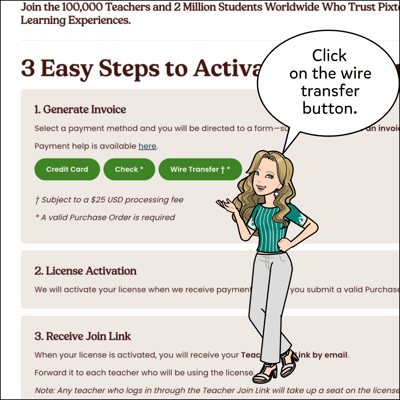
Click on the wire transfer button.
-
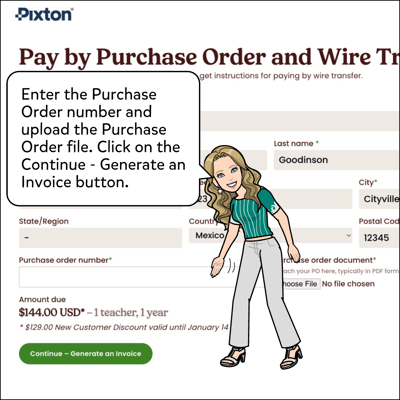
Upload a Purchase Order, enter the Purchase Order number and click Continue - Generate Invoice.
-
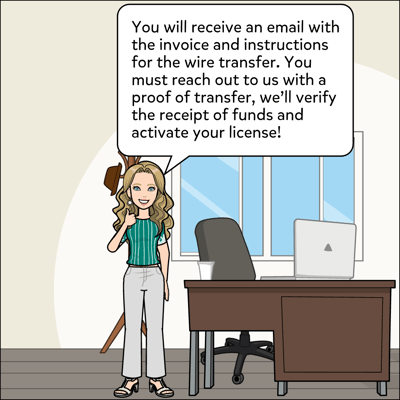
Check your email for an invoice and instructions to pay by wire transfer.
-
Email support@pixton.com with proof of transfer, we'll verify receipt of the funds and activate your license.