
If you haven't already, please request a quote here.
Note: ALL PURCHASE ORDERS MUST INCLUDE THE BEST EMAIL ADDRESS TO REACH OUT TO REGARDING PAYMENT IN CASE OF ANY ISSUES.
** Note to US customers: Unfortunately we cannot accept payments by ACH due to our location in Canada. **
-
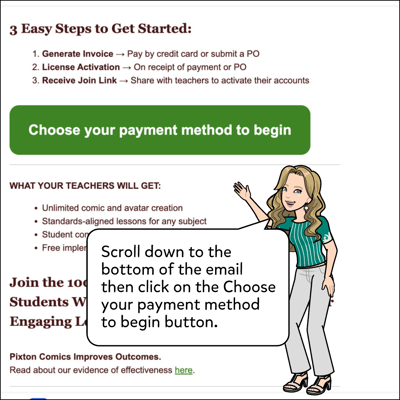
Open quote email.
-
Click on the Choose your payment method to begin button.
-
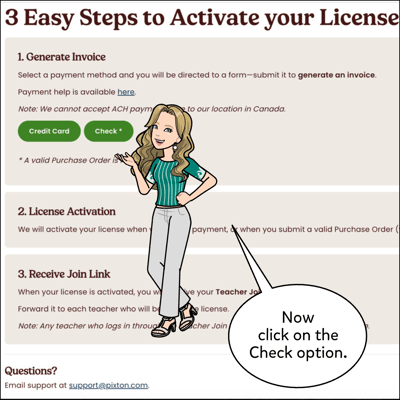
Click on the Check button.
-
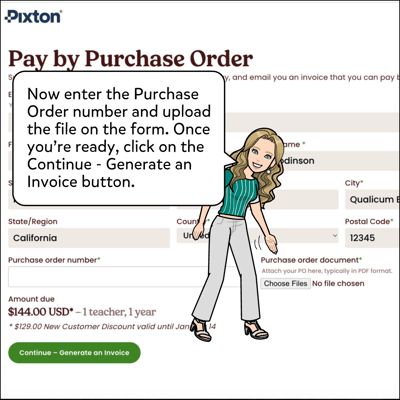
Upload a Purchase Order, enter the Purchase Order number and click Continue - Generate Invoice.
-
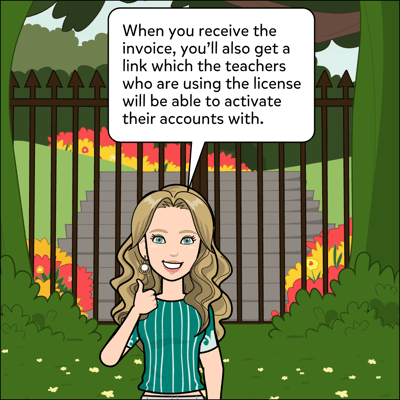
Wait for the invoice to arrive to your email, which you can mail a check for.
-
Keep an eye out for the Teacher Join Link and share it with the teacher(s) whose account(s) need to be activated.