- In the Activity Maker, click on the Attach an exemplar or template button under Attachment.
- Choose one of the following options to attach a template:
- Browse Your Projects to search and select one of your projects as a template.
- Paste a share link to attach a project using its shareable link.
- Create a New Project, to create a template from scratch.
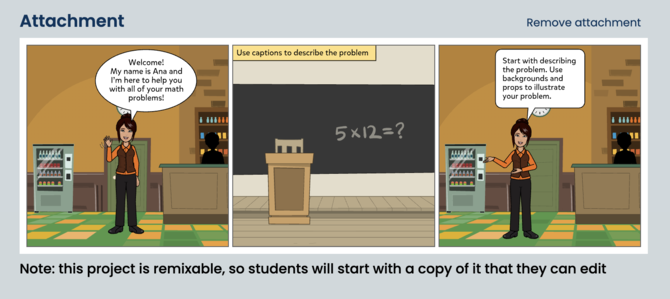
- Once a template is attached you will see a preview of the project under Attachment.
- To Remove it, click on Remove attachment on the top right.