To add References in your Project:
- Open the Scene Maker.
- Click on the Words button or Add Speech button.
- Select the Reference option below the text field.
- Add your reference in the text field that will appear.
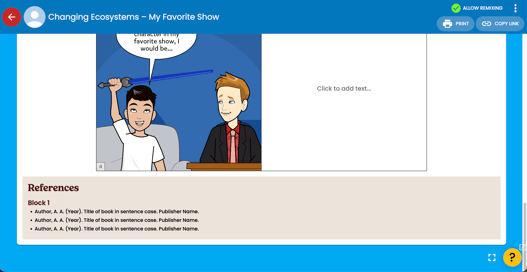
- The reference will appear below your project: